Guides
How a Portable POS System Can Reduce Queues and Serve More Customers.
Businesses drowning in queues aren't understaffed, they're stuck at one register. The right portable POS speeds up checkout, gives staff more flexibility, and helps handle busier periods.
29 Jul 2026
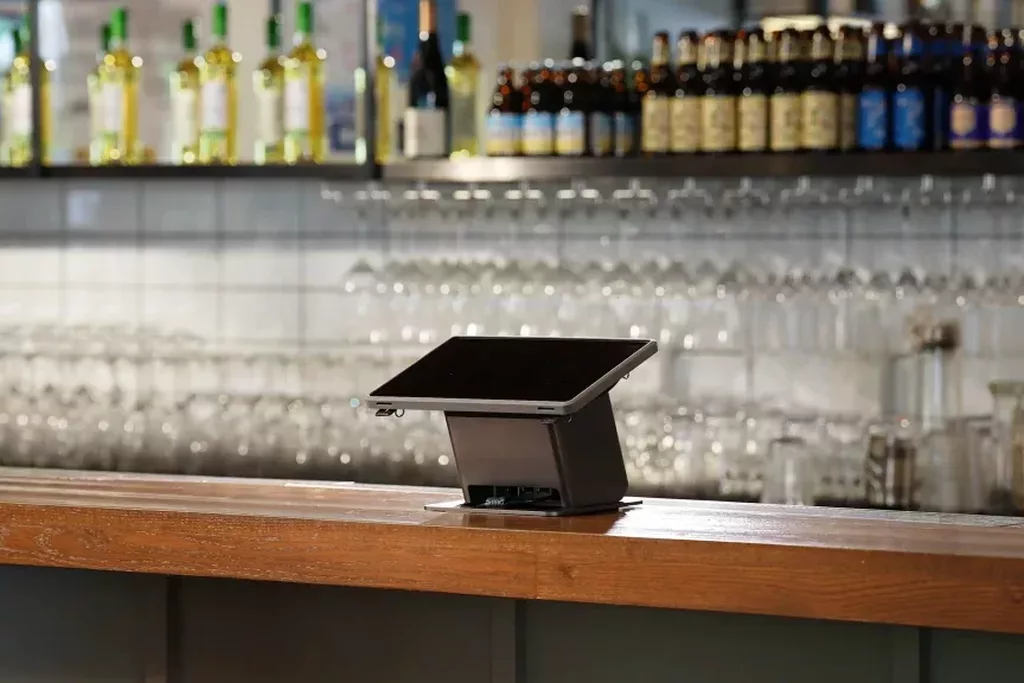
Queues can develop surprisingly quickly, affecting your customer experience. Whether it’s waiting to order at a coffee shop, to pay in a retail store, or to make a purchase from a market stall, slow-moving queues can cause frustration and lost sales. Selecting the best portable POS system for small business can help get customers through checkout faster, offer staff greater flexibility and allow teams to serve more customers during peak times.
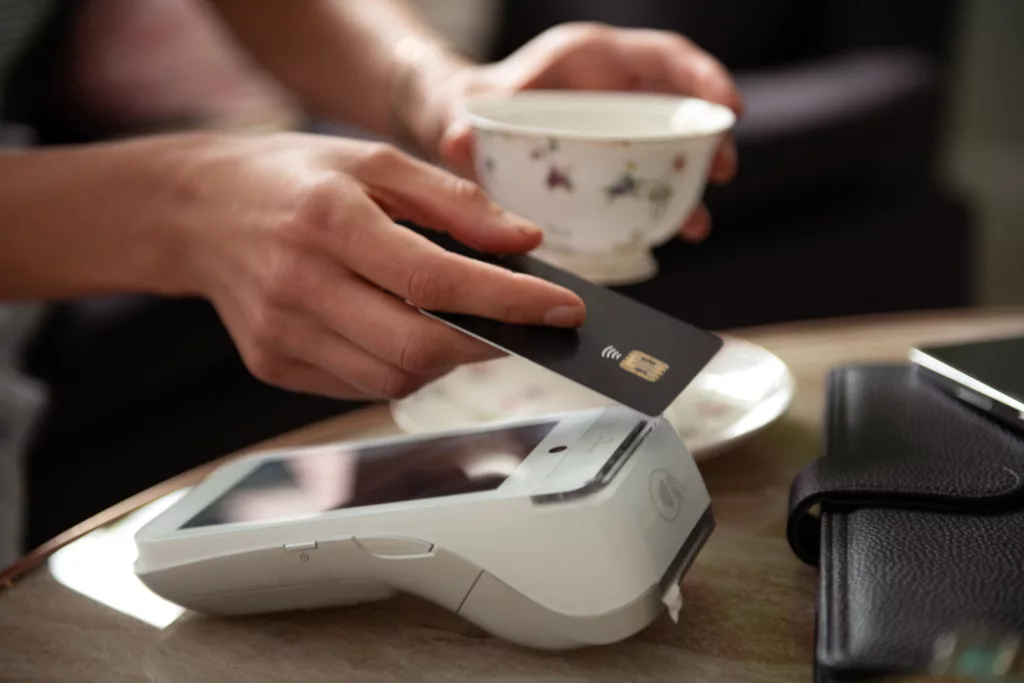
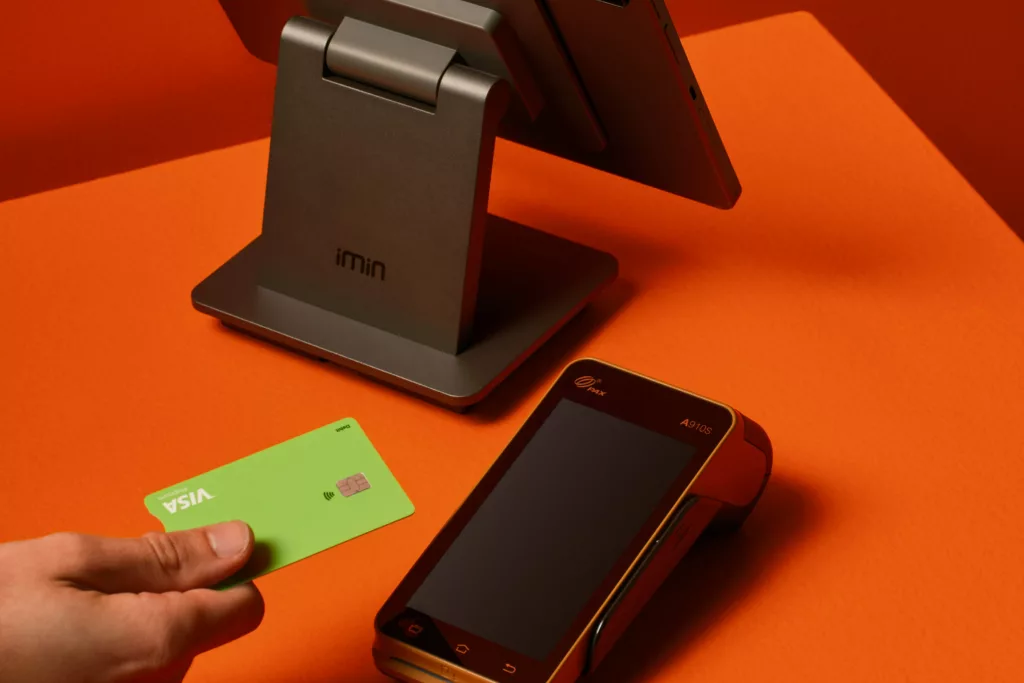
Instead of anchoring your staff to a fixed checkout terminal, a portable point-of-sale solution offers flexibility. It allows staff to take payments and orders from almost anywhere in your store, streamlining customer flow without expensive renovations or additional registers.
Why do Long Queues Impact Small Businesses?
Busy stores are generally a good sign. However, long waiting periods can sour customer experience and lead patrons to abandon purchases or not return.
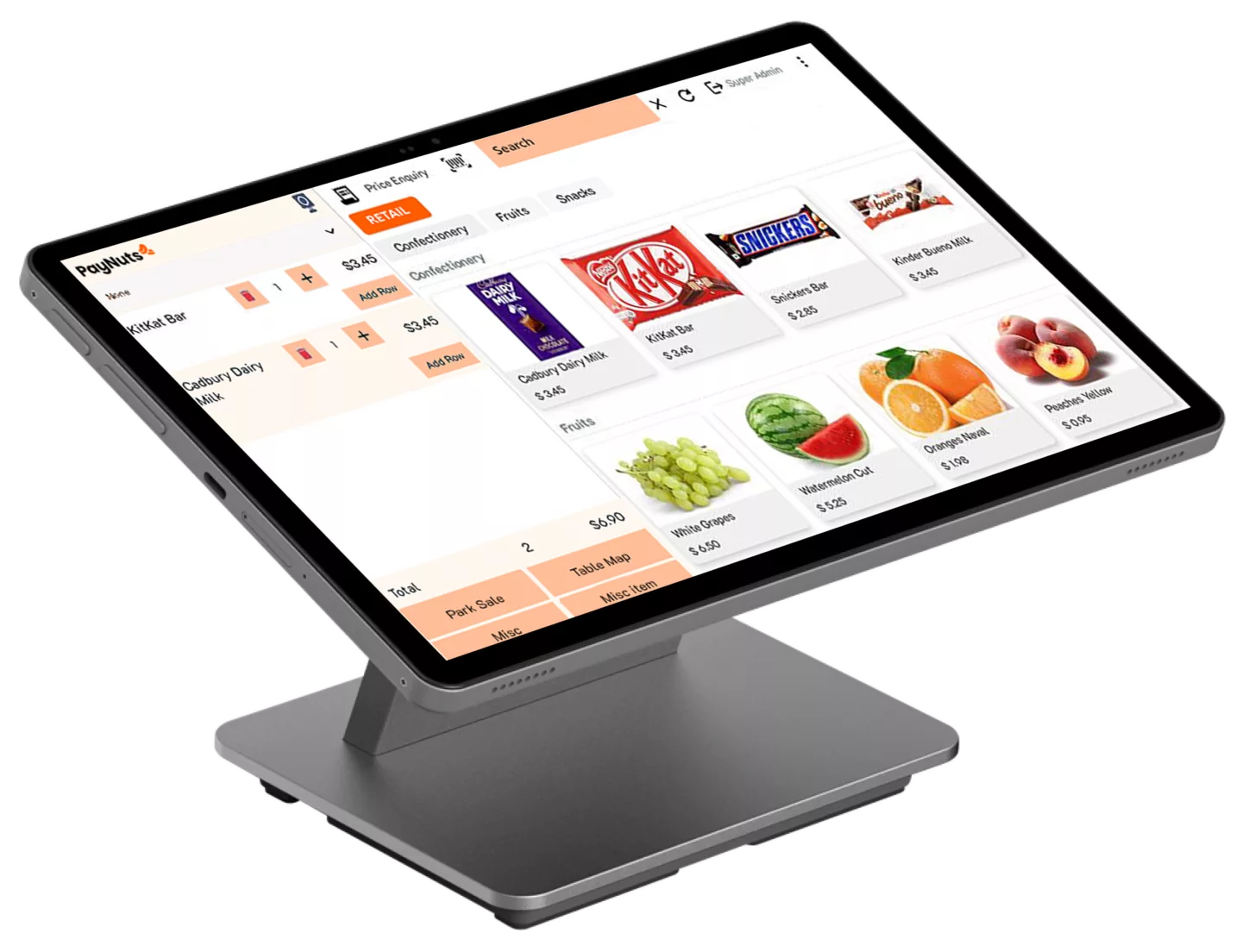
Long queues also put more pressure on staff. Trying to keep up with demand during peak times could lead workers to rush orders. This may lead to incorrect orders, payment issues, or missed customer requests. Reconciling these errors takes time and can lead to slower service. Permanent checkouts can be expensive to run or simply not possible for every business. Portable POS allows businesses to adapt quickly to crowded spaces without hiring extra employees or purchasing additional resources.
Take Orders Before the Counter
One solution for busy checkouts is to start the order process before your customers reach the register. Portable POS devices allow employees to take payments, customise orders, and send them to the kitchen, baristas, or stockists before customers arrive. Wait times for ordering food and drinks can be eliminated. While standing in line at a café or quick-service restaurant, customers can place their orders. Once submitted, the kitchen or bartender can begin preparing the item while the customer completes their payment. By the time most ordering is completed at the register, the food or drink is ready to go. Retail workers can also scan products and create the transaction on portable devices while out on the floor assisting customers. When shoppers are ready to pay, barcodes have already been scanned, making checkout faster and easier.
Set Up Additional “Checkouts” During Peak Times
Different times of the day experience different levels of customer activity. Morning coffee rushes, busy weekends and holiday seasons are all examples of peaks in business. Running extra registers to handle these traffic spikes can be costly. Some businesses don’t have the space to add permanent checkout stations. Portable POS devices can act as second or third checkouts whenever your business needs them. Staff can set up additional payment stations near entrances, promotional displays, seasonal merchandise and pickup areas to reduce congestion at the main checkout desk.
Swap your Paper Order Sheets for Portable POS.
Restaurant owners know all too well the pain of taking orders on scraps of paper. Instead of writing orders out by hand and entering them into a register later, wait staff can input orders directly on tablet-based POS at the table.
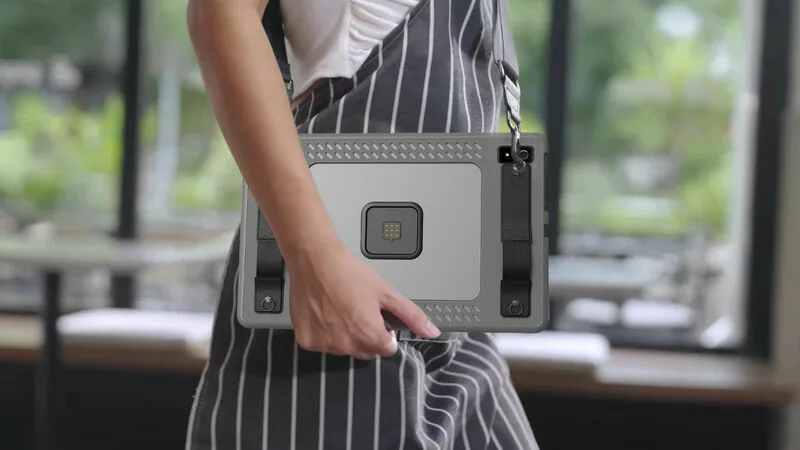
Entering orders while engaging with customers can help servers avoid missed messages and accurately record special requests. Payment can also be taken at the table, reducing wait times for customers to receive their bills. Split payments are also easier when your server can collect card details directly from each party. Processing orders and payments quicker allows servers to spend less time at each table and more time making sales.
Enter Accurate Data Instantly
Speed is beneficial, but accuracy is just as important. Portable POS solutions allow staff to enter product information directly into the system. There’s no need for handwritten copies or double-data entries. Entering product information into your point-of-sale system reduces mistakes. Orders are entered correctly, customer payments are processed accurately, and your inventory or stock levels are updated reliably. Errors can cost your business time and money. Avoid unhappy customers by getting transactions right the first time.
Reducing the number of mistakes benefits customers too. Many portable POS systems include display screens so customers can verify their order before submitting payment. Issues can be spotted and settled before the transaction is completed.
Give Staff Quick Access to Data
Without a portable POS system, your employees may need to leave customers to find the information they need. Not only does this break the customers’ shopping experience, but it also leaves your employees without a way to answer questions quickly. Staff can look up product information, pricing details and inventory levels without ever having to leave the customer’s side. Quicker answers mean faster service. Plus, your staff can provide confident recommendations based on the information stored directly in your POS system. If an item is out of stock, instant access to your inventory levels allows staff to recommend alternative products that may interest your customers. That means fewer missed opportunities and more satisfied customers.
Use Historical Data to Understand Demand
POS systems aren’t just for accepting payments. They can provide your business with important data that can be used to make better staffing decisions.
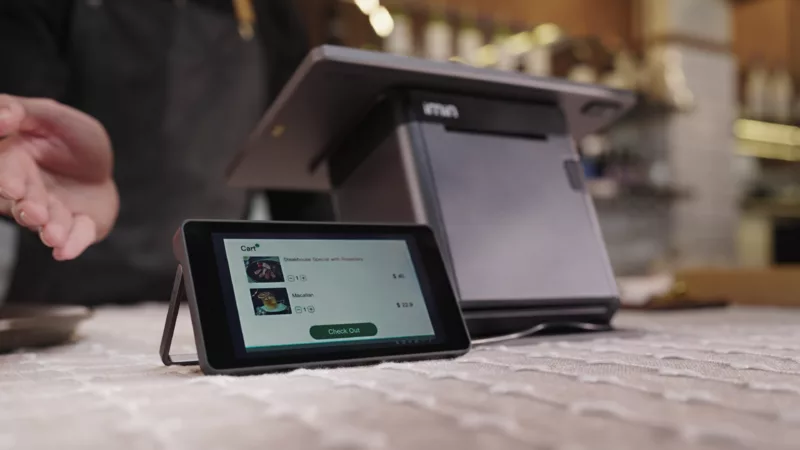
With access to historical sales data, you can identify peak periods of trade, best-selling items, and trends within your transactions. Use this information to staff appropriately, prepare for busy periods, and assign portable devices to areas that need them most. These devices allow you to serve more customers while gaining a better understanding of your business.
Conclusion
Eliminating queues isn’t just about speeding up payment. It’s about empowering your employees to take orders wherever they’re needed, answer questions, and complete transactions faster. Portable POS systems can help streamline operations by eliminating checkout lines, minimising order errors, creating additional service points during peak times, and providing valuable sales data to inform staffing decisions and improve daily operations.
PayNuts provides easy-to-use, portable POS solutions such as PayNuts Flexi that allow Australian businesses to efficiently process payments, take orders, manage inventory, and generate reports from a single streamlined system. With configurable features, affordable pricing, and a lightweight design, PayNuts Flexi can be customised to suit the way your team works. Our POS solutions are designed to support a range of business models by allowing customers to set up for counter service, tableside ordering or mobile product demonstrations.
Give your business the flexibility it needs to serve more customers and skip the lines with PayNuts.
More from the Blog


From Hospitality to Enterprise: 8 Industries That Benefit from Portable EFTPOS
No matter the industry, every business has unique payment challenges. But all businesses benefit from one thing, i.e., payment flexibility. A portable EFTPOS machine allows teams to go to customers, minimise friction, and keep sales flowing.
28 Sep 2026