Guides
POS System EOFY Guide: Why You Should Upgrade Before June 30
Businesses that glide through EOFY aren’t scrambling in the final week, they’re already organised because their systems have been doing the work all year. And at the centre of that is a modern POS system.
19 May 2026
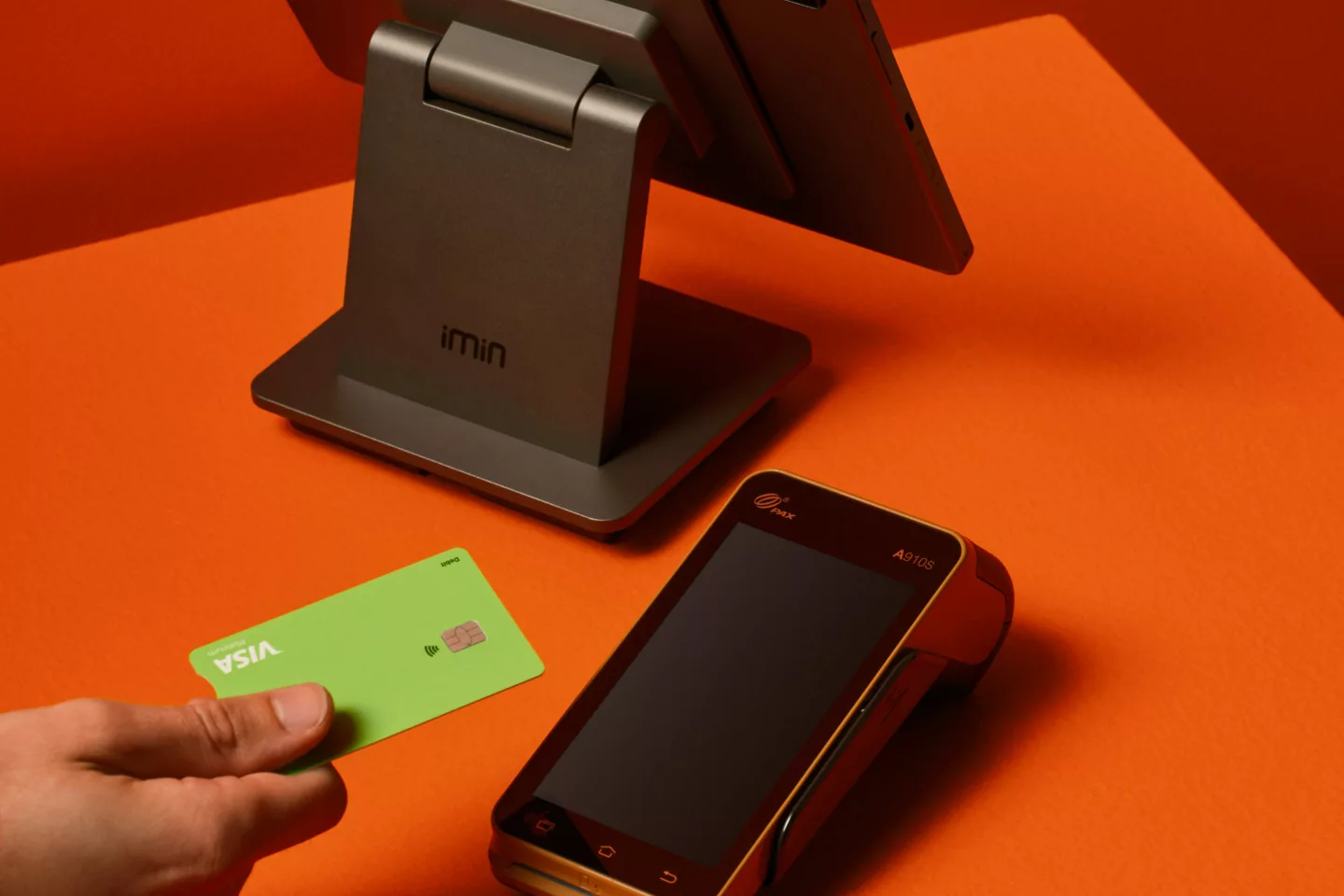
Most business owners still treat their POS like a basic payment terminal. Tap the card, print the receipt, move on. But today’s POS technology is far more powerful. It quietly structures your data, tracks your sales, manages your operations and keeps everything clean for reporting. When EOFY arrives, that’s the difference: No chaos. No chasing records. Just accurate, ready to use data.
EOFY puts pressure on your business systems. Every transaction, payment type and record suddenly becomes critical for reporting, tax preparation and reconciliation.
A strong POS system removes that pressure by:
- Automatically capturing and organising transactions
- Centralising sales, payments and reporting
- Reducing manual admin and human error
- Keeping your financial data audit‑ready all year
Without the right POS setup, EOFY becomes a scramble, digging through spreadsheets, reconciling gaps and trying to piece together missing information. With the right system, EOFY becomes a simple checkpoint, not a fire drill.
EOFY Is the Best Time to Upgrade Your POS System
If your current POS feels slow, outdated or disconnected, EOFY is the smartest time to upgrade.
Upgrading before June 30 helps you:
- Start the new financial year with cleaner systems
- Improve speed and service across your business
- Reduce operational friction and admin
- Potentially claim new POS hardware as a business expense or under instant asset write‑off rules (depending on your situation)
The real benefit isn’t just tax‑related, it’s operational. A better POS system means smoother workflows, faster service and fewer headaches for the next 12 months. It’s easier to start the new financial year strong than to fix problems halfway through it.
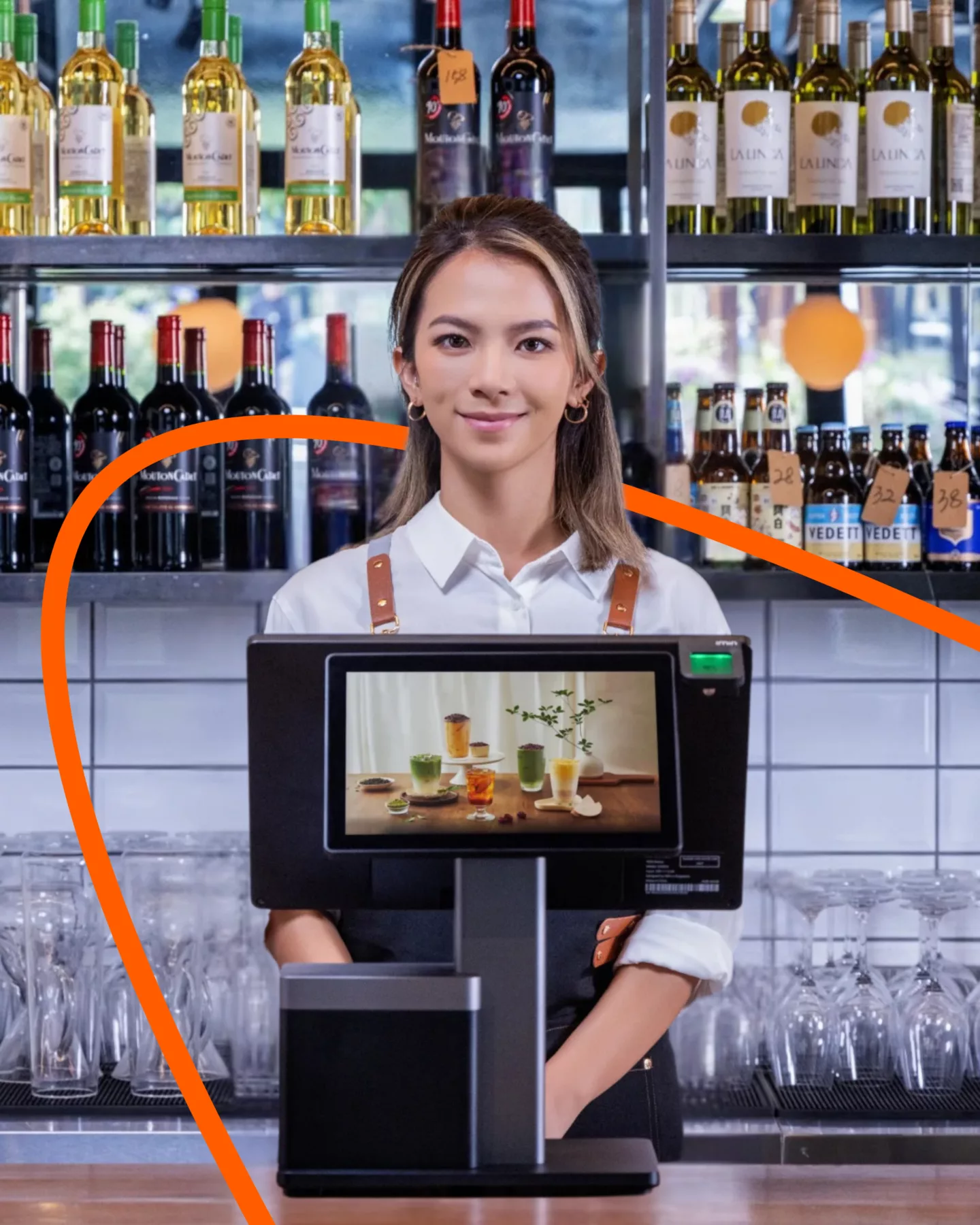
Choose a POS System That Fits How You Work
Every business runs differently, your POS should match your workflow, not force you into someone else’s.
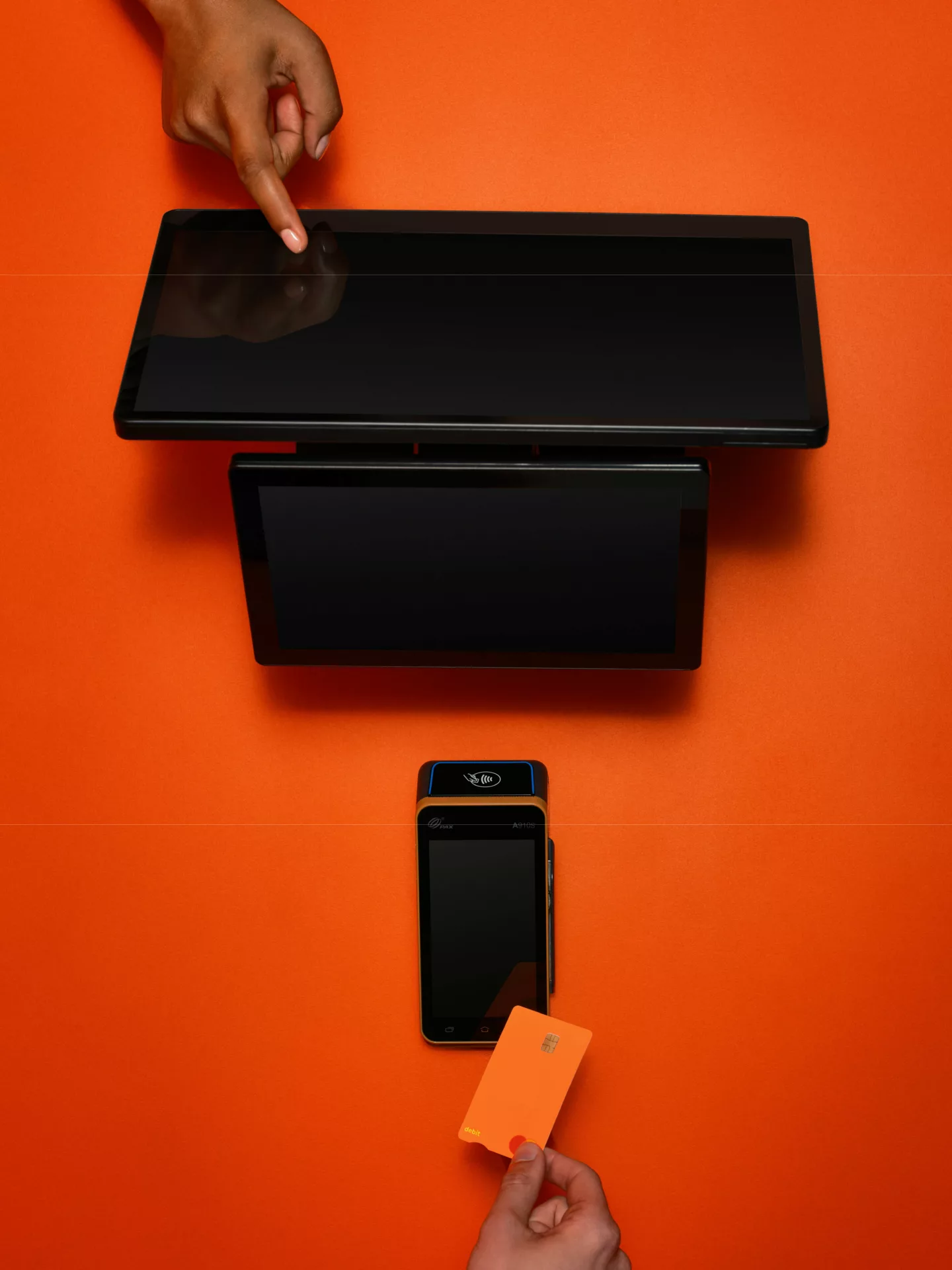
PayNuts Flexi - Portable, Fast, Built for Movement
Perfect for cafés, hospitality and mobile service businesses.
- Take orders at the table
- Accept payments anywhere
- Serve customers outdoors or on the floor
- Stay fast without being tied to the counter
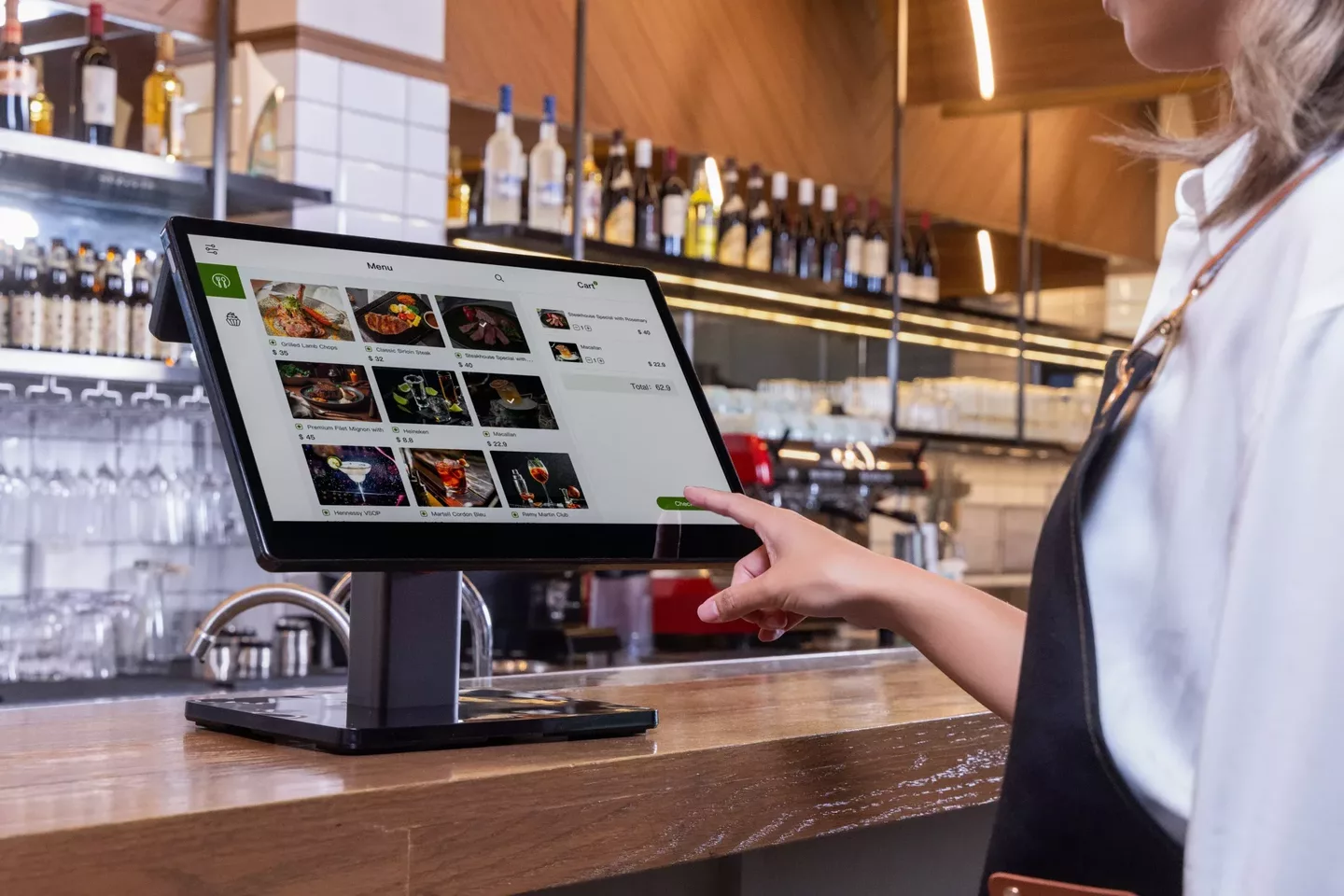
PayNuts Counter - Stable, Reliable, Built for Volume
Ideal for retail, service counters and fixed‑location businesses.
- Clean, fixed setup
- Handles consistent daily volume
- Keeps front‑of‑house running smoothly
Both systems include features designed to simplify operations:
- Inventory management
- Staff controls
- Customer profiles
- Split payments
- Real‑time reporting
- Integrated EFTPOS
Wherever your customers are, your POS can be there too.
Get Your POS Sorted Before June 30
EOFY is your reset point, a chance to tighten your systems and set your business up properly for the year ahead. If your POS system is doing its job, EOFY should feel straightforward. If it’s not, now is the time to change it.
More from the Blog


Guides
From Hospitality to Enterprise: 8 Industries That Benefit from Portable EFTPOS
No matter the industry, every business has unique payment challenges. But all businesses benefit from one thing, i.e., payment flexibility. A portable EFTPOS machine allows teams to go to customers, minimise friction, and keep sales flowing.
28 Sep 2026